What it is
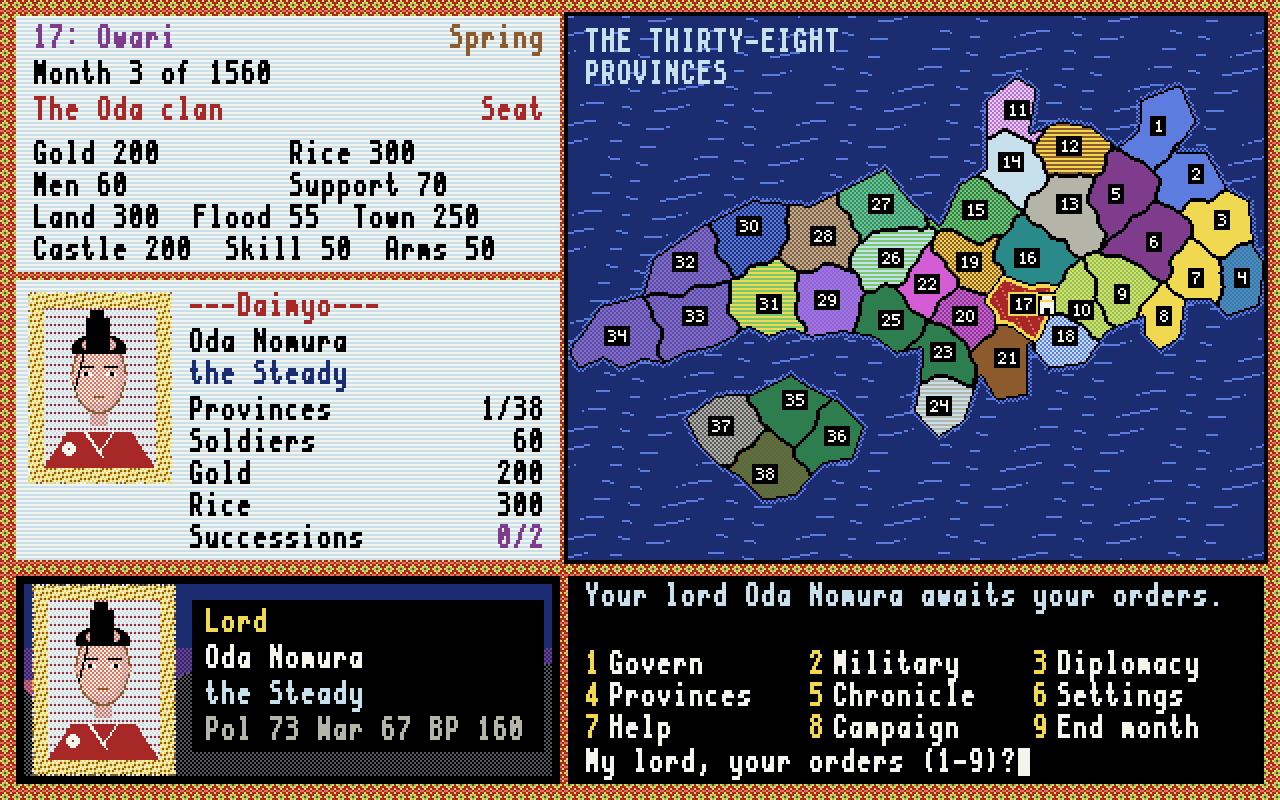
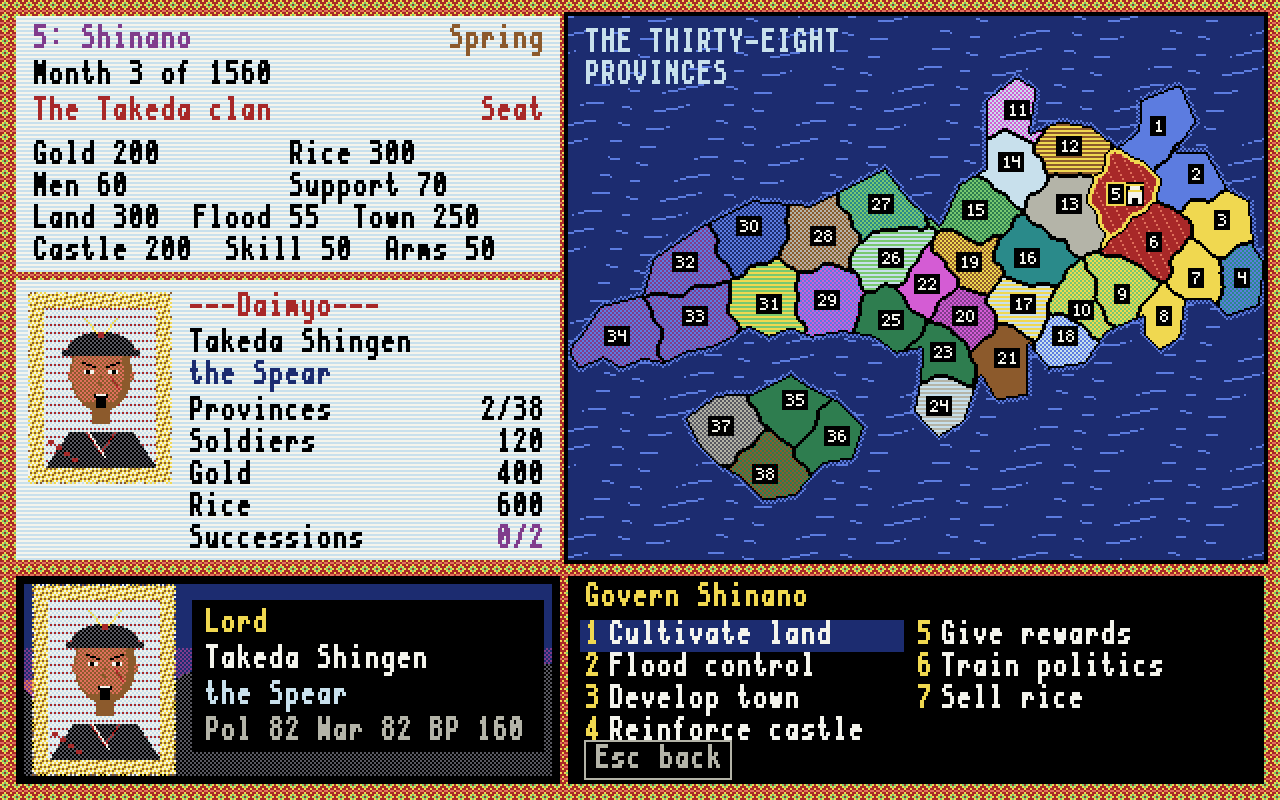
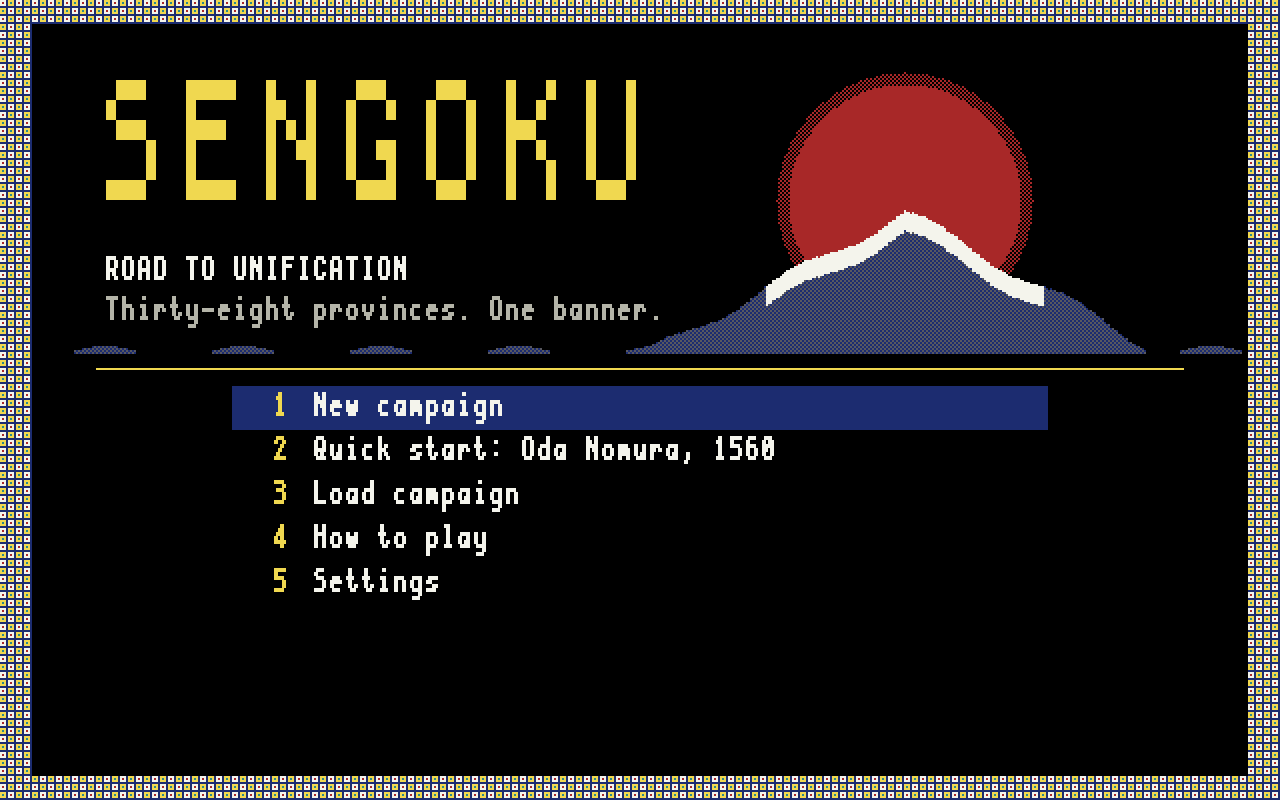
Sengoku is a turn-based strategy game written here at Kalgoorlie Retro Gaming. Choose a clan in the 1560 or 1582 scenario. Each month your governors cultivate land, develop towns, reinforce castles, hire and train soldiers and sell rice; you propose alliances and send ninja to stir up your rivals' provinces. Spring brings in the trade gold and autumn the rice harvest, while summer typhoons and unhappy provinces can undo your work.
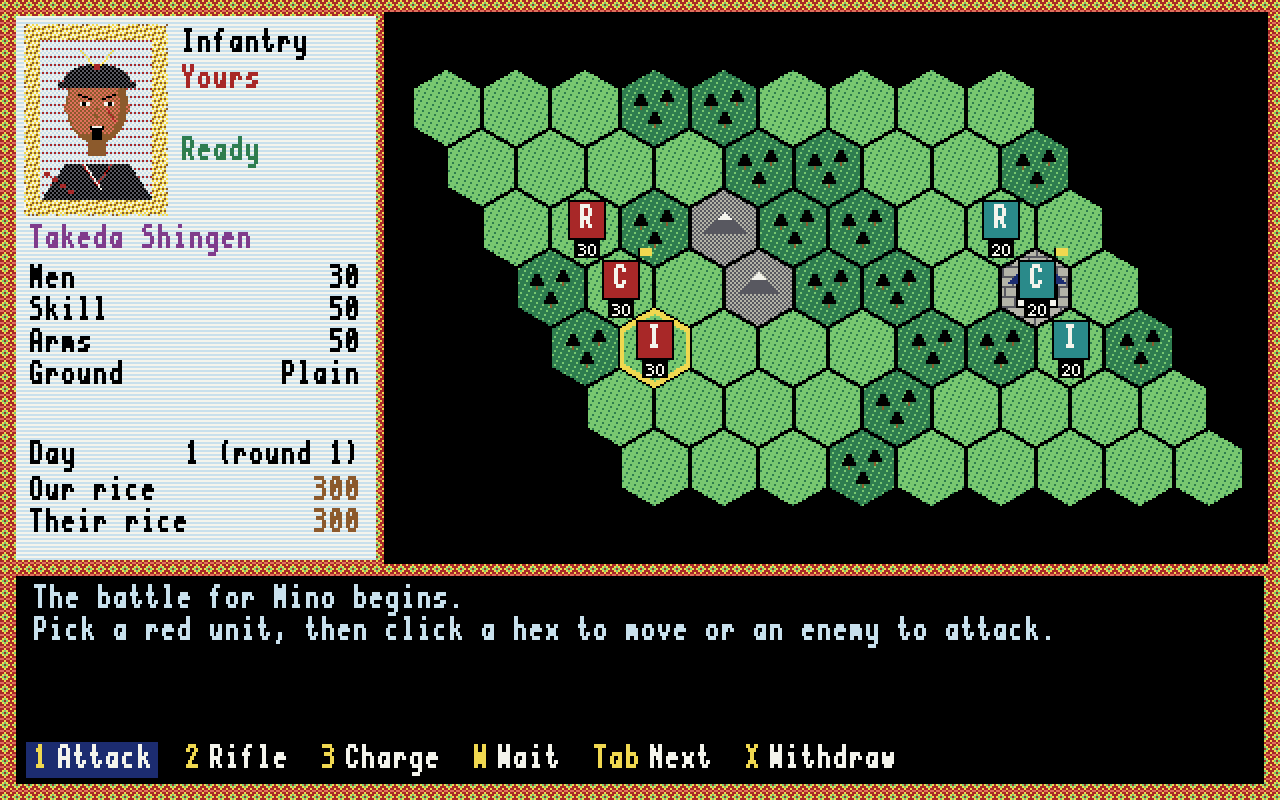
When you invade a neighbouring province you fight the battle yourself on a hex field: three units a side, with rifles, charges, cavalry and ambushes, forests and mountains, and a castle for the defender. Destroy the enemy commander to take the province. Hold all thirty-eight to win.
You can also play it in your web browser, with nothing to install. The browser edition is the same game, version 1.2.0, and it saves in your browser. Export and Import move a campaign between the two editions as a save file.
Multi-player games: choose Multi-Player game on the title screen of the browser edition. Make a player name, start a game and give your friends its invite code, or join theirs; up to eight players each lead a clan. Orders take effect at once, and you fight your own invasions on the hex field. The month ends when everyone has ended their turn, or at a time limit the game's creator chose (12 to 72 hours); anyone who has not played by then has their month played by the computer, and keeps their clan. You get emails about your games (you can turn these off). Multi-player games are played in the browser edition only. More in the documentation.
Screenshots
Features
The game
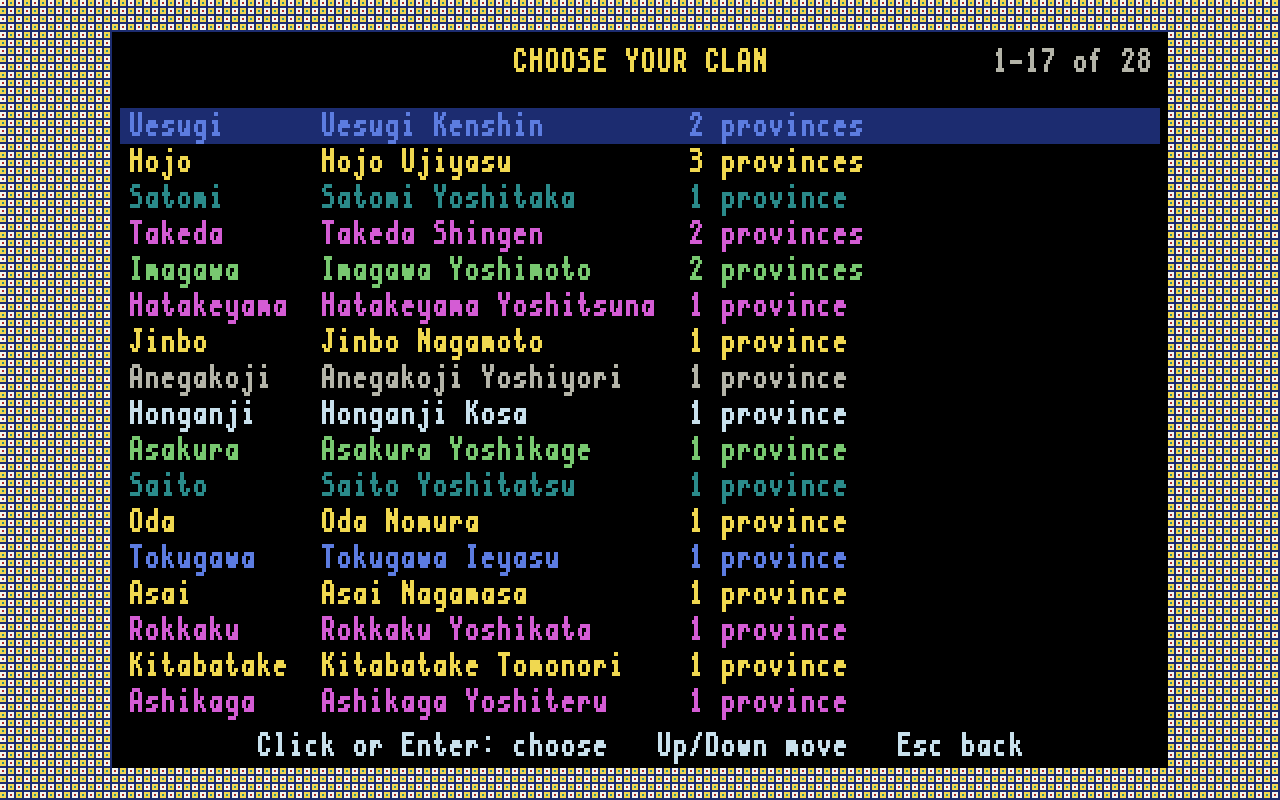
- The 38 provinces of Japan; two scenarios, 1560 and 1582; 28 clans
- Five levels for the computer clans, from Gentle to Ruthless
- Governors with politics, war skill and body points; lords who die and successions
- Land, flood control, towns, castles, soldiers, training, rice and gold
- Alliances, and ninja who incite uprisings
- Hex battles with rifles, charges, cavalry, ambushes, terrain and castles
On your computer
- A 640 × 400, 16-colour screen of its own that scales to any window
- Portraits for every lord and governor, and music made by the game itself
- Keyboard or mouse
- One player against the computer clans (multi-player games are in the browser edition)
- Five save slots, each with a backup of its previous save, and an autosave at the end of every month
- Export and Import save files, to move a campaign to or from the browser edition
- No internet connection, account or server needed
Installing
Windows
- Download
Sengoku-1.2.0-x64.msiand run it. It installs for your user only, so no administrator password is needed, and adds Sengoku to the Start menu and the desktop. - The installer is not code-signed, so Windows SmartScreen may warn you first: choose More info, then Run anyway.
The Windows version is built and tested here under Wine. If something doesn't work on your Windows PC, please let me know.
Linux
- Download
sengoku_1.2.0_amd64.deband install it:sudo apt install ./sengoku_1.2.0_amd64.deb - Start it from the Games menu, or run
sengoku.
Saves are kept in %LOCALAPPDATA%\Sengoku - Road to Unification\saves on Windows and ~/.config/Sengoku - Road to Unification/saves/ on Linux, and are left alone when you uninstall or upgrade. Saves from earlier versions load in this one.
Downloads
Version 1.2.0, 4 November 2026.
Sengoku 1.2.0 for Windows
Installer for 64-bit Windows. Installs for your user only; no administrator rights needed.
SHA-256 0dd2a0ee5185940d46140ecde605a060fe1d2fc7951620c51f84f9707a11eca7
Sengoku 1.2.0 for Linux
Package for 64-bit Debian, Ubuntu, Kubuntu, Mint and other Debian-based systems.
SHA-256 bb9255ec29ad1cfb19a696bf1807cbb0a9e98a8c8ba2647846f8e792822f9de2
Sengoku 1.2.0 source code
Free Pascal 3.2.2 and Lazarus 4.4 source, with the tests and the build scripts for Linux and Windows. GNU GPL version 2 or later.
SHA-256 cf09105533ed9ec2ec20c847a155fc20f4bb4061046e1b9a0797c173962eb700
Also on the BBS in the file area Heisenbergs Files. The player guide and the release notes are here to read first; there is more in the documentation.
What's new
1.2.0: Export and Import. In Campaign > Save, Export to a file saves the campaign to a file you choose; in Load, Import from a file opens one. The file is the same in both editions, so a campaign can move between the browser and the desktop. The desktop edition now saves itself at the end of every month, and Continue on the title screen picks up from there, as in the browser.
1.1.0: the first desktop release. Multi-player games in the browser edition, for up to eight players. Saves are now format 3, which can hold several players' clans; older saves still open.
1.0.0: the browser edition, put up on 3 November 2026.
Licence and source
Sengoku is Copyright © 2026 Michael Slater. It is free software: you may copy, change and share it under the GNU General Public License, version 2 or (at your option) any later version. It comes with no warranty. The desktop source is in sengoku-1.2.0-source.tar.gz above; it builds with Free Pascal 3.2.2 and Lazarus 4.4 on Linux, for Linux and Windows. The browser edition's source is linked from the top of the game page.
Contact
Questions, bug reports and suggestions are welcome. Email slaterm@theiguru.au, or leave a message for the sysop on the Kalgoorlie Retro BBS (telnet bbs.theiguru.au).